

STEETEK / CONNECTIONS FOR EVERY SPACE
SHARE · SWITCH · EXTENDMake Every Connection Simple.
Technology that brings your screens, devices, and workspace together.
Explore Wireless HDMIExplore Wireless HDMI ↗
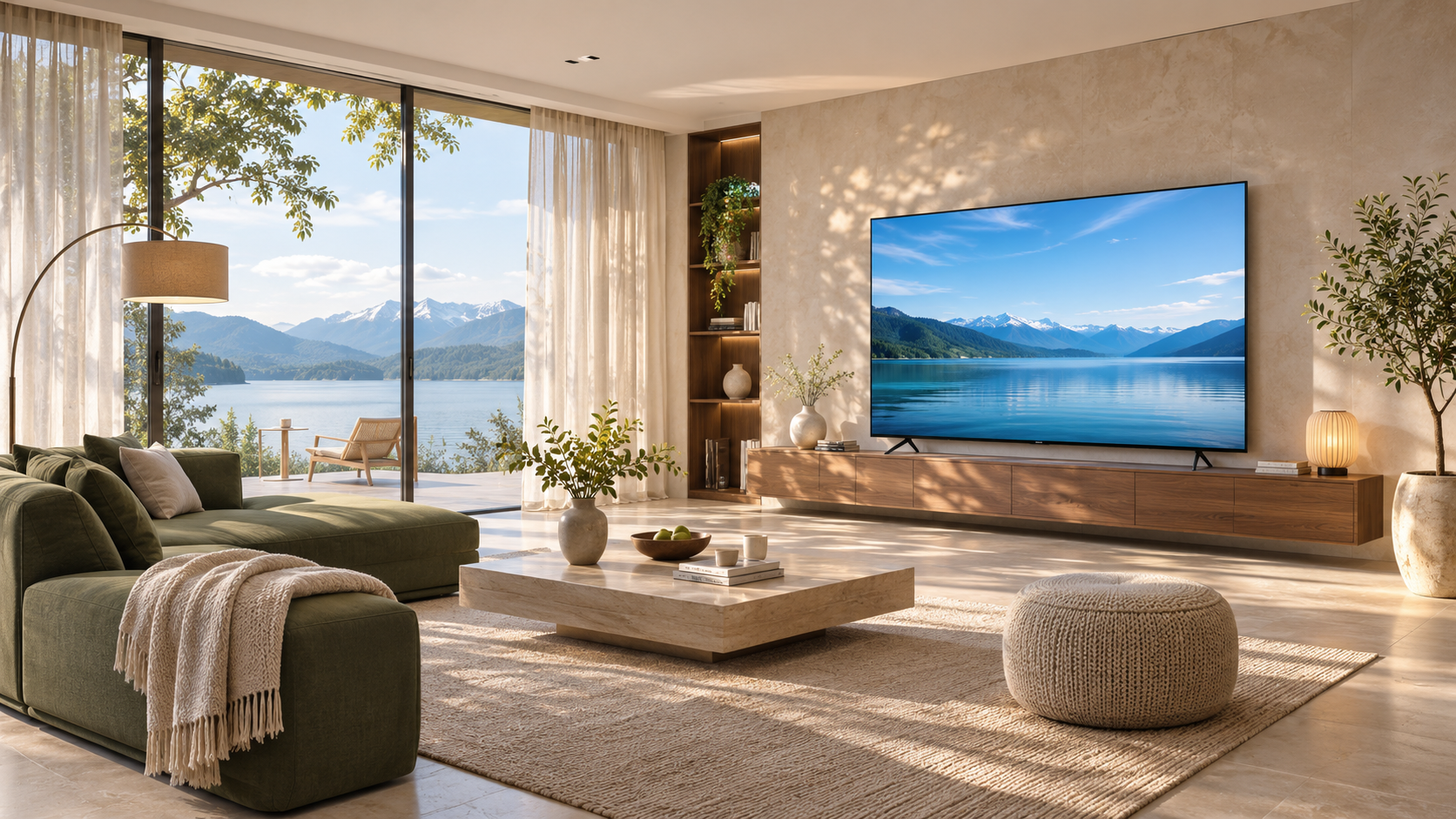


THREE PATHS. ONE SIMPLER WAY FORWARD.AI environment illustration · Actual products displayed separately
THE STEETEK IDEA
One idea.
More ways to connect.
Share a screen, switch a workspace, or carry a signal farther. Find the connection that makes your setup feel effortless.
02 / EXPLORE THE RANGE
Find your connection.
Three ways to make your setup work the way you want it to.
03 / FEATURED PRODUCTS
Explore the essentials.
Four real models from our product library. Live price and availability come from Shopify.


HEARVO is a sub-brand of STEETEK. Ratings appear only after a verified reviews app is connected.
04 / STEETEK / WIRELESS HDMI
A bigger moment.
Fewer cable limits.
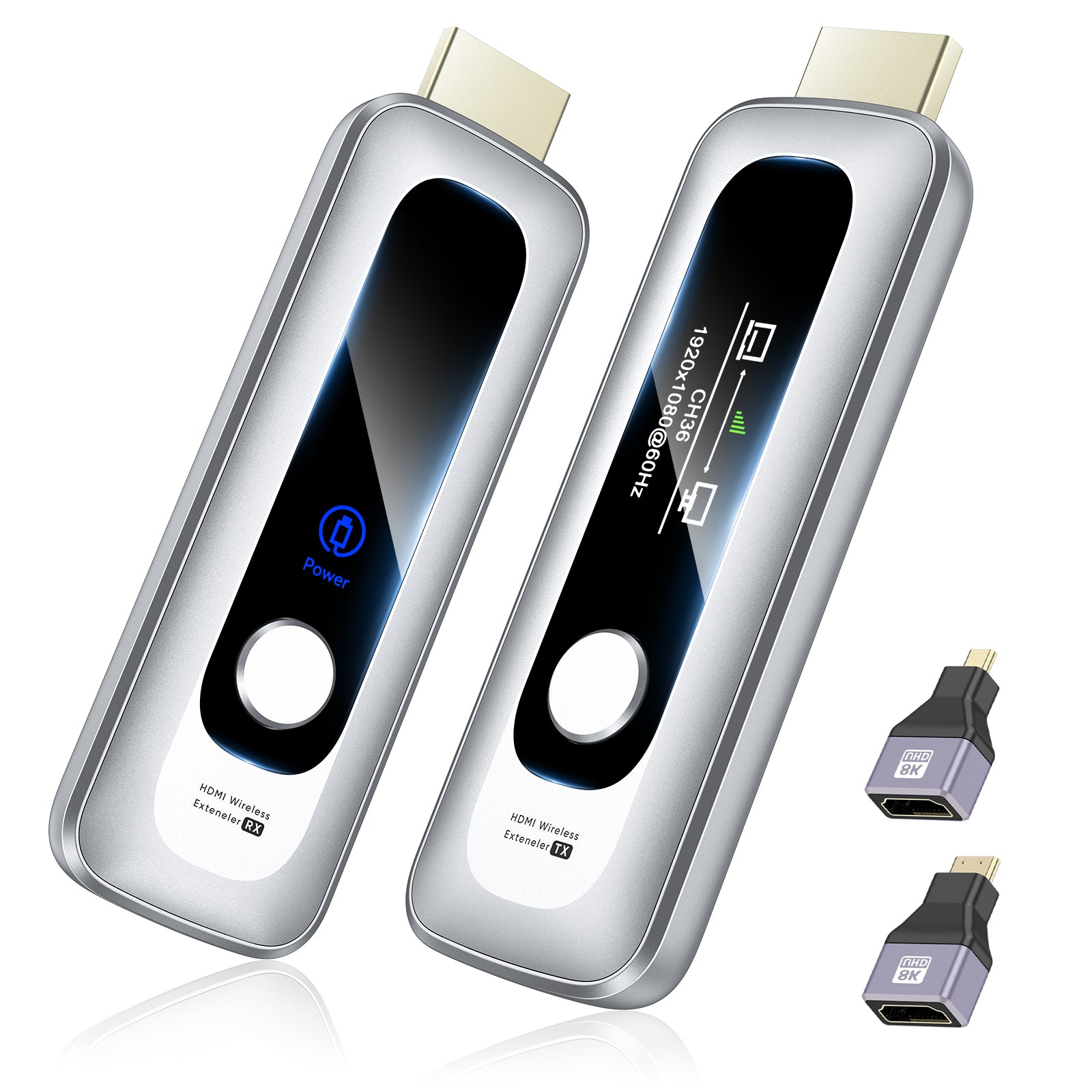
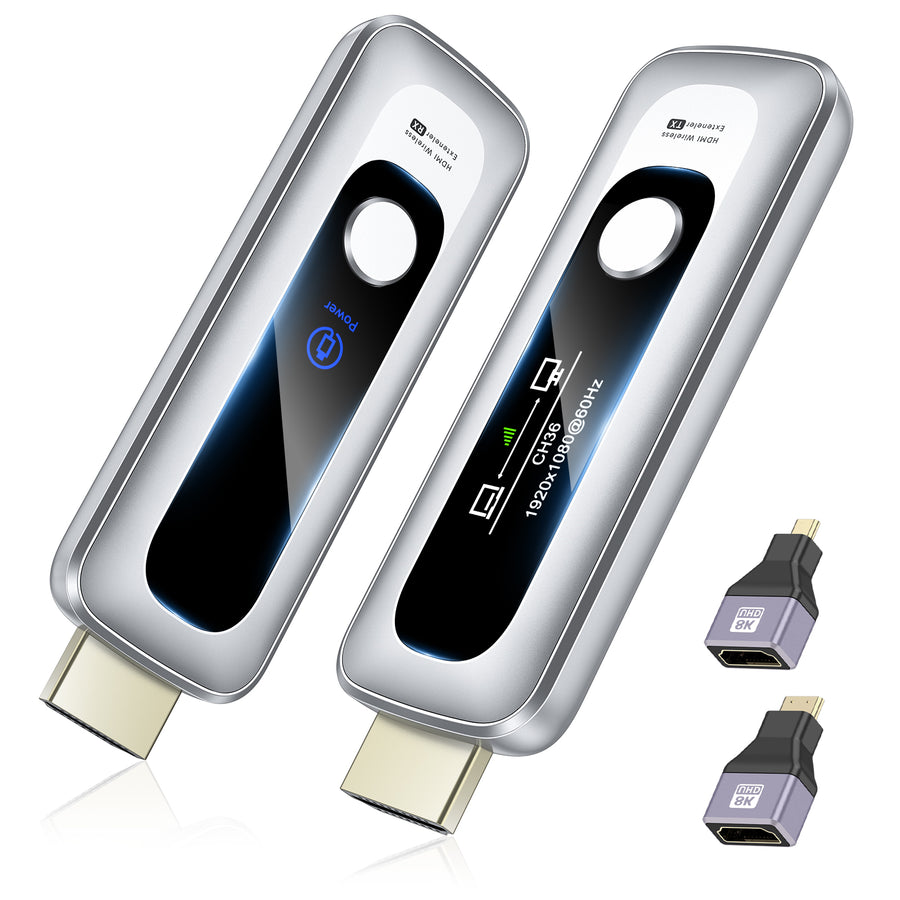
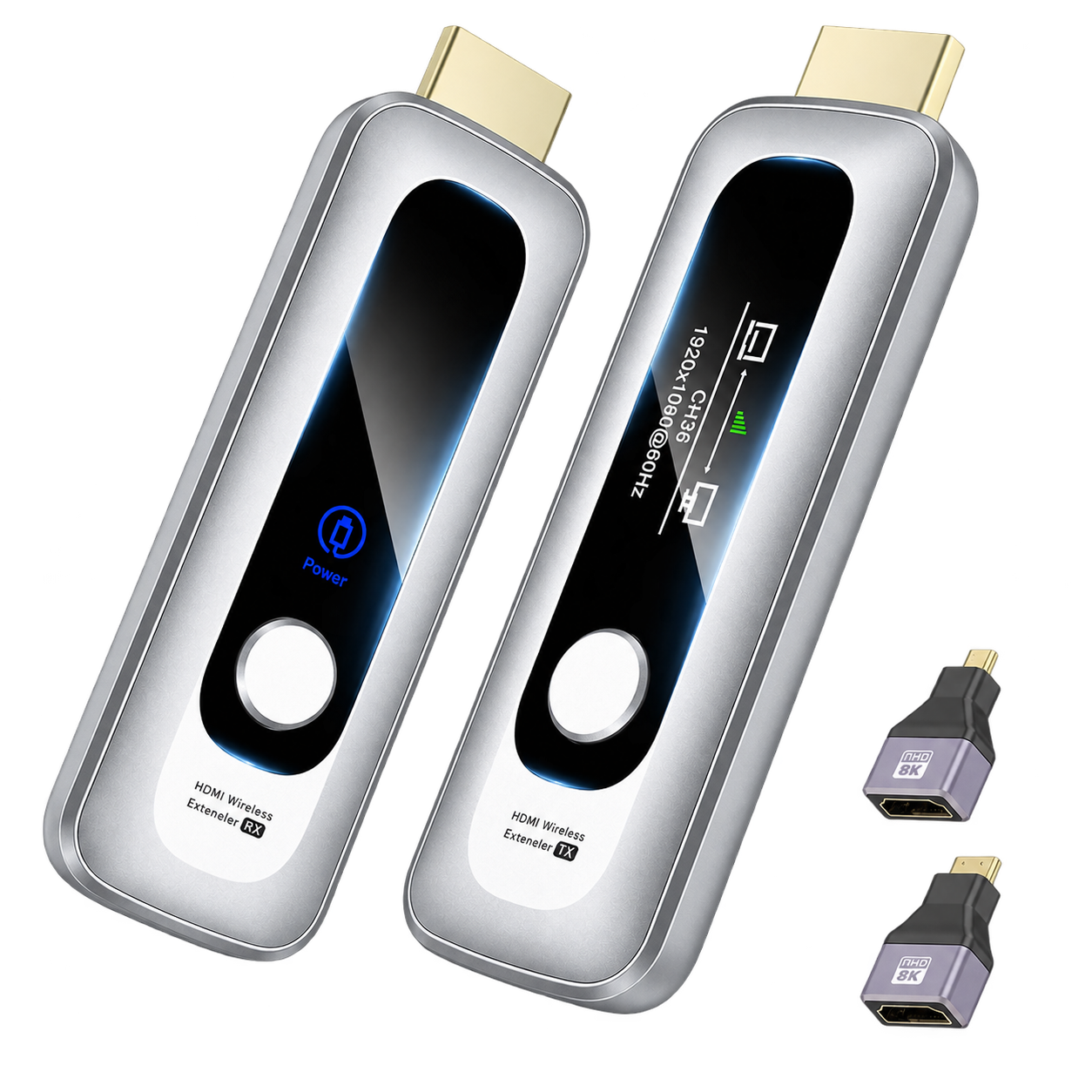
Bring an HDMI source to the screen everyone can enjoy. A flexible choice for home viewing, meeting shares and spaces that change.
- TX + RX
- 1080p output
- Both ends need USB power
05 / STEETEK / HDMI EXTENDERS
Wired for distance.
Ready to stay.
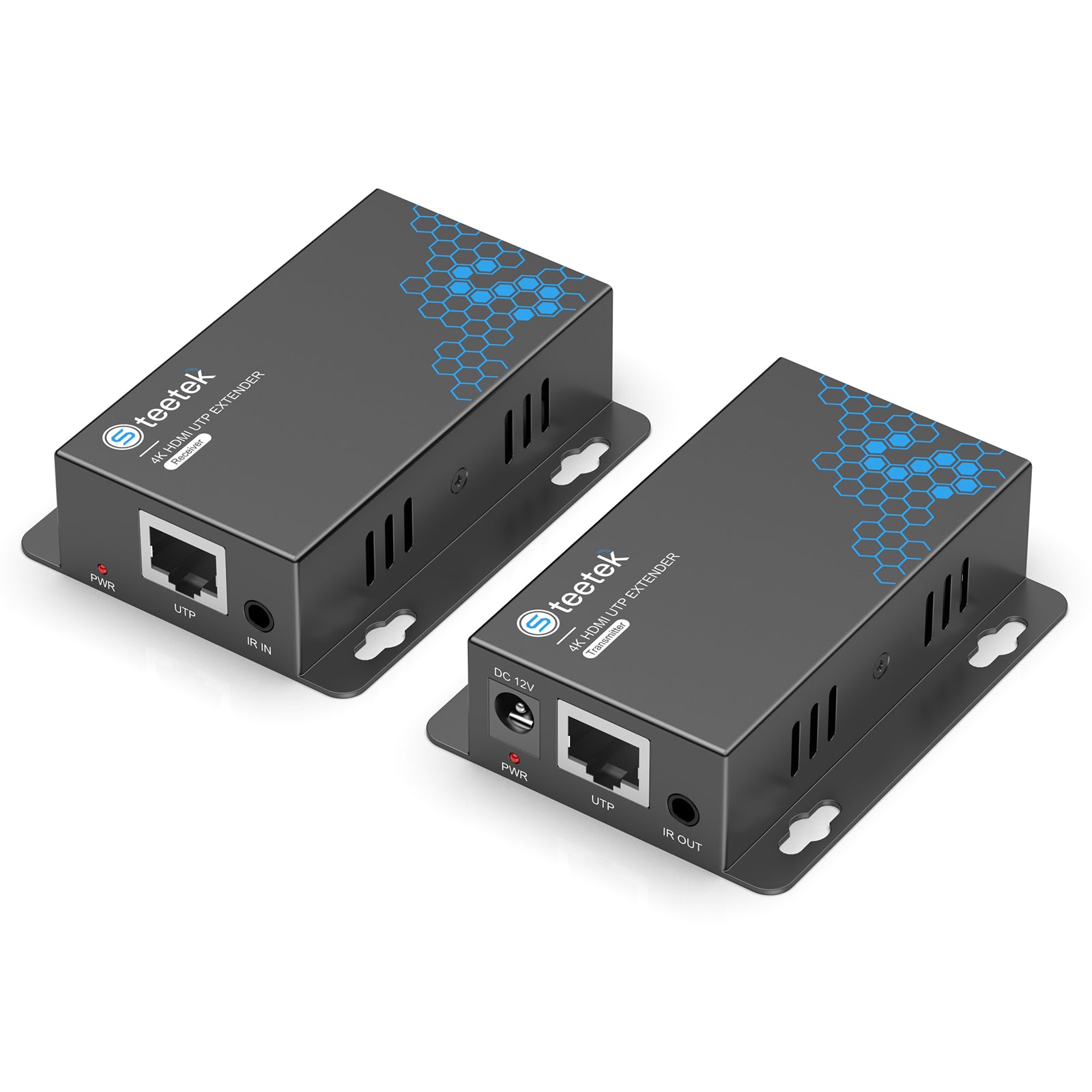
A longer, stable signal path for fixed commercial and home installations. The right Ethernet run brings the display where it needs to be.
- LONGER REACH
- STABLE WIRED PATH
- LOWER LATENCY


06 / CHOOSE YOUR PATH
Wireless for flexibility.
Wired for distance.
Choose the connection that fits the space and the way you use it.
WIRELESS HDMI
Less cable. More flexibility.
Share your HDMI source without running a long cable across the room. A better fit for flexible spaces, temporary setups, and everyday screen sharing.
- Flexible placement
- Less cable clutter
- Easy screen sharing
HDMI EXTENDER
A wired path for longer runs.
Extend your display signal over compatible Ethernet cabling for installations where distance and stable wired performance matter most.
- Longer reach
- Stable wired connection
- Lower-latency performance
07 / STEETEK / KVM SWITCHES
One workspace.
More control.
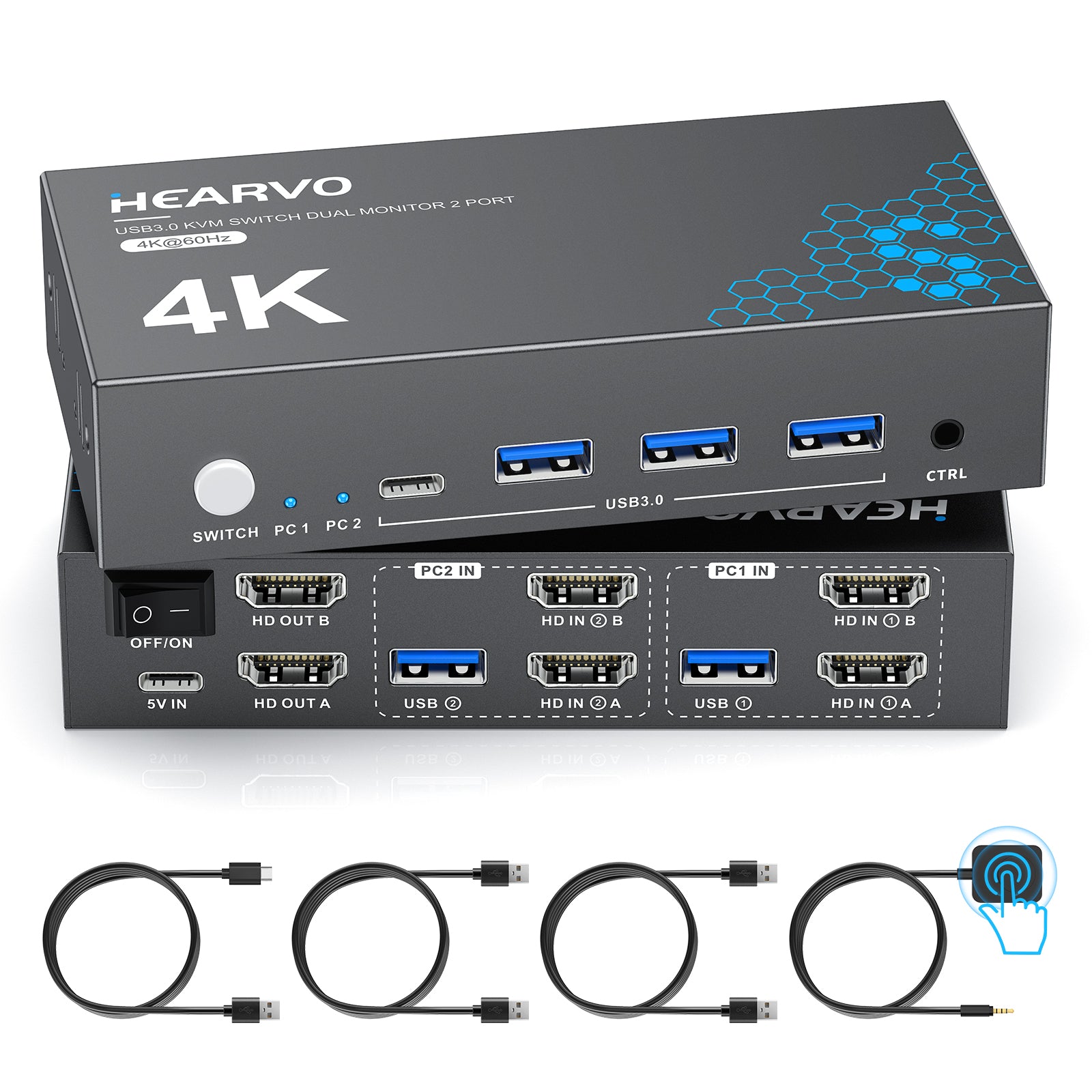
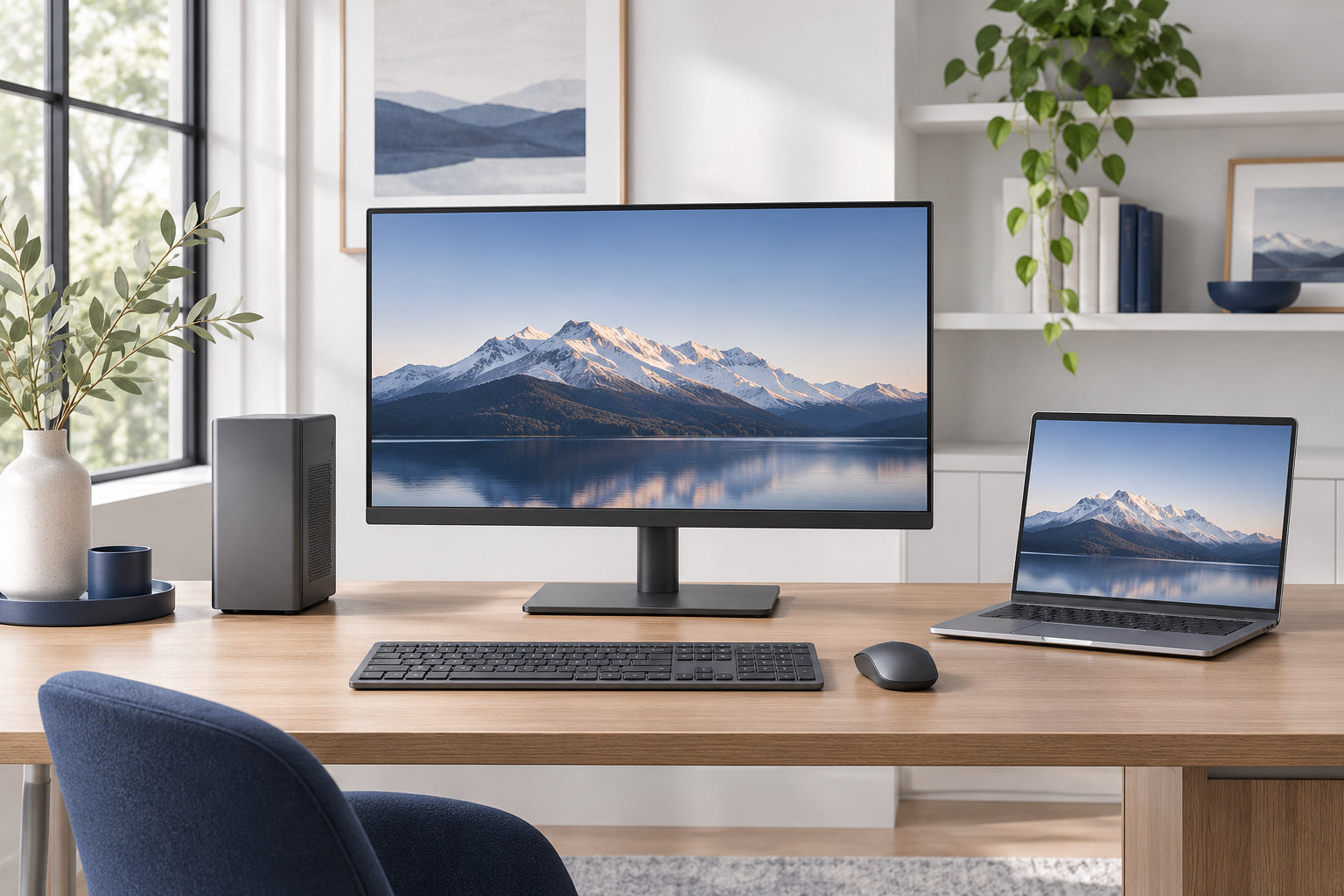
Share one monitor, keyboard, and mouse between two computers. Switch systems and keep your workspace organized.
- S7232H: one shared HDMI monitor
- 3 USB-A + 1 USB-C peripherals

08 / FIND YOUR PATH
Start with your setup.
One question makes the choice easier: what needs to connect?

SHARE A SCREEN
Wireless HDMI
Less cable planning. More flexibility for home viewing, meetings and temporary setups.
Explore Wireless HDMI ↗SWITCH BETWEEN COMPUTERS
KVM Switch
Bring multiple computers into one workspace. Choose the monitor layout that fits your model.
Explore KVM Switch ↗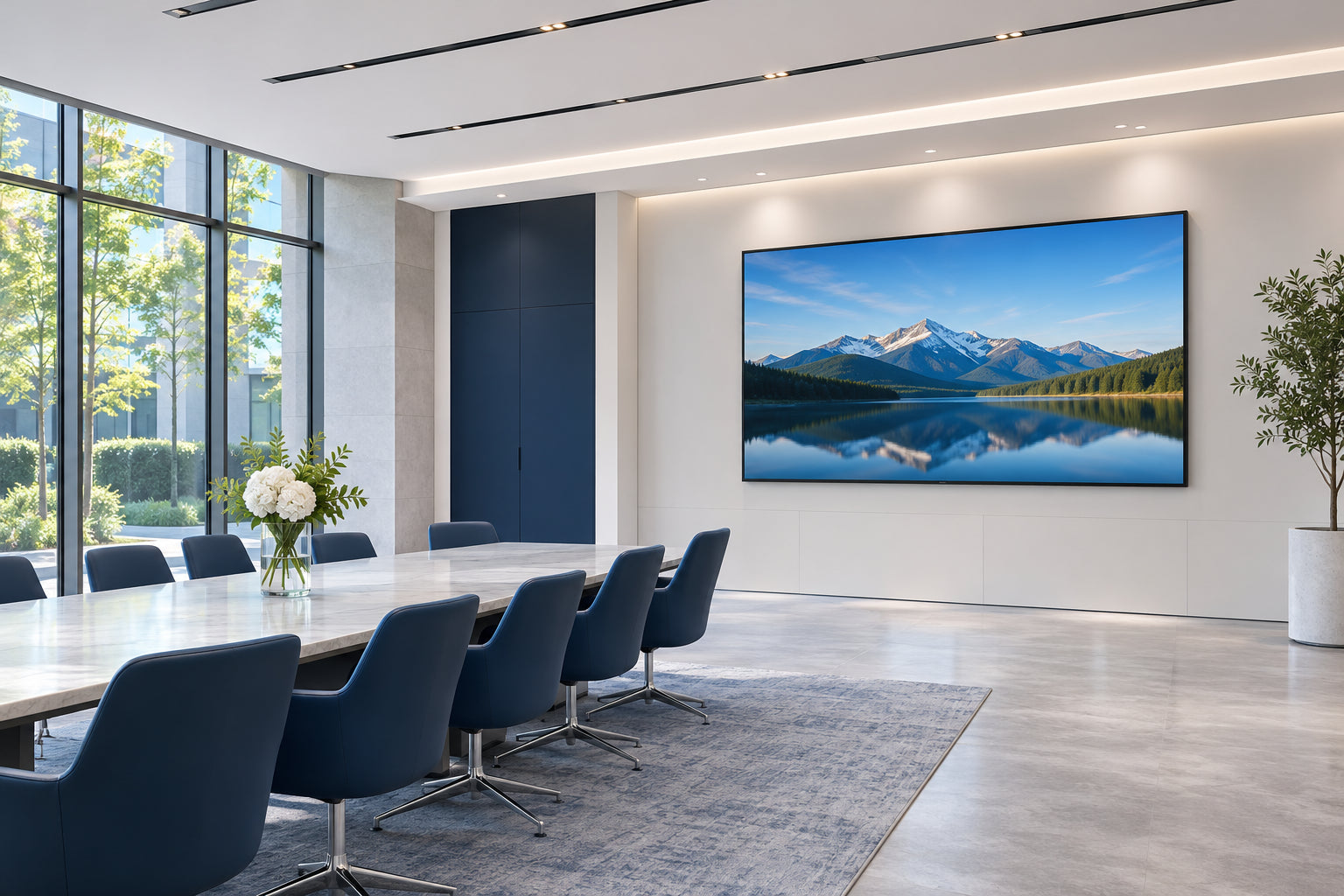
EXTEND A SIGNAL FARTHER
HDMI Extender
Go farther on a stable wired path built for fixed installations.
Explore HDMI Extender ↗09 / CONNECTION INTELLIGENCE
See the signal path.
Three connection journeys, built around the actual product models.

01 / SHARE
Wireless for flexibility.
W3105 connects an HDMI source to TX, sends wirelessly to RX, then to a display. Both ends need USB power.
Explore W3105 ↗
02 / SWITCH
One desk. Two computers.
S7232H2 illustrates a dual-monitor shared workspace. S7232H is a separate single-monitor model.
Explore KVM Switches ↗
03 / EXTEND
Wired for distance.
HT275 uses a transmitter, compatible Ethernet cable, and receiver for a fixed display.
Explore HT275 ↗10 / CUSTOMER VOICES
Real experiences belong here.
Customer reviews will appear here when Judge.me is added as an App block. Only genuine review data should be displayed.
Judge.me review integration slot
Add the Judge.me App block in Customize; no sample reviews or scores are shown.11 / OUR PURPOSE
The connection should feel effortless.
From sharing a screen to switching a workspace, STEETEK focuses on the practical moments between people, devices, and displays.
Make Every Connection Simple. ↗12 / STEETEK SUPPORT
Help when you need it.
1-Year Free Replacement Support
Find setup, buying, compatibility and troubleshooting help.